
Owler
Your child's nursery photos from Aula, on your own PC.
Download Owler
Version 1.41 · for Windows 10 and 11 · about 50 MB
A look inside
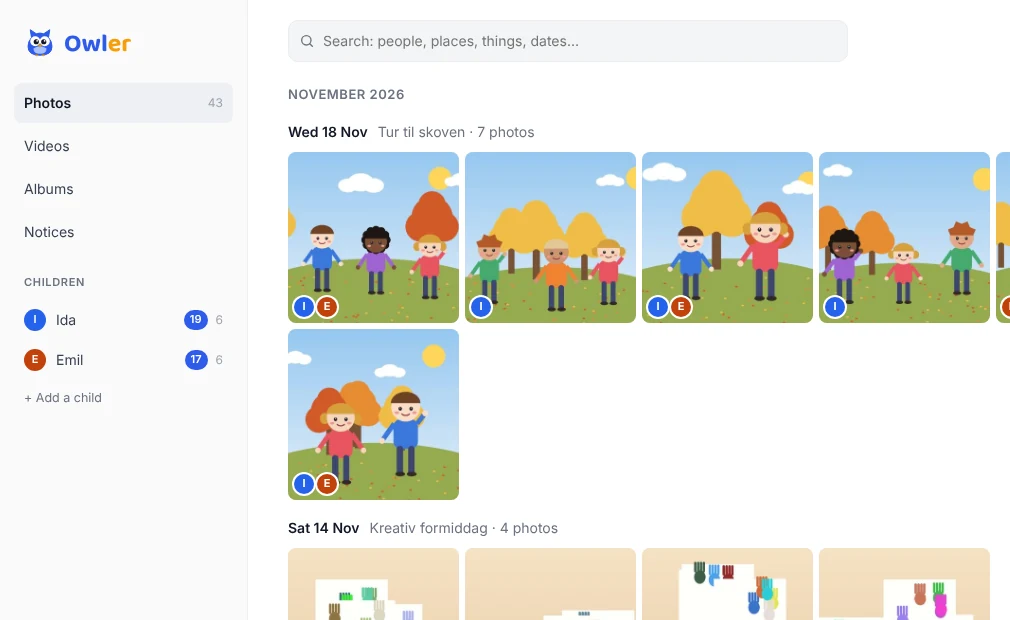
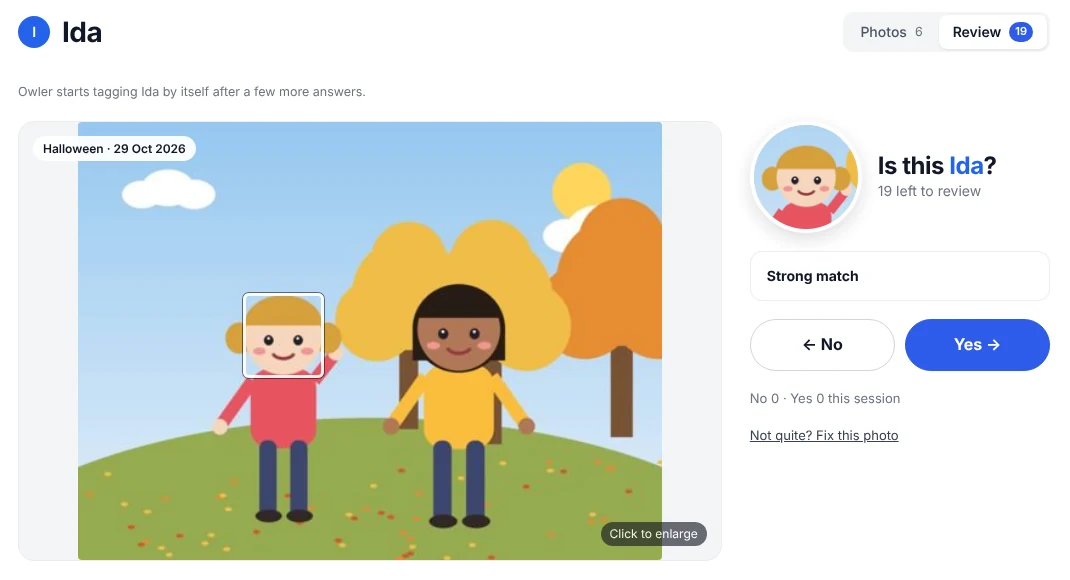
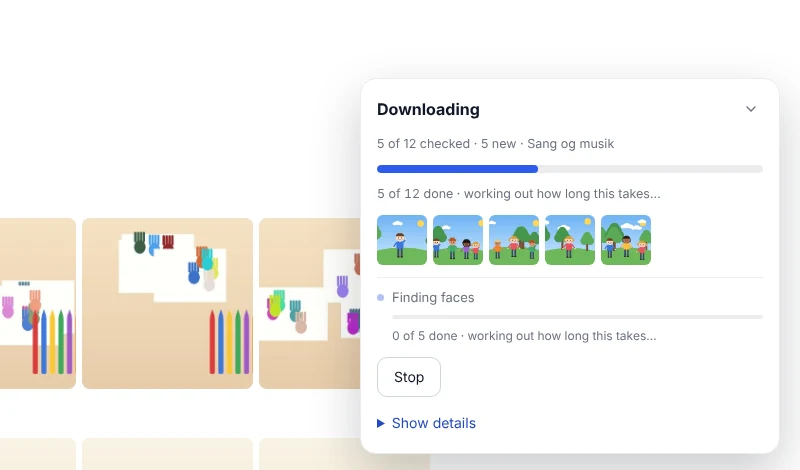
The pictures here are drawings, not real photos.
What it does
- Gets the newest photos from Aula for you (you log in with MitID).
- Shows them all in one place, newest first.
- Learns your child's face, so you can find the photos they're in.
- Everything stays on your PC. Your photos are never sent anywhere.
Installing
- If Chrome says the download is suspicious or blocks it, open your downloads (Ctrl+J) and choose Keep. Chrome does this with new files it hasn't seen before.
- Open the file you downloaded.
- Windows may say "Windows protected your PC". That's because Owler is a small home-made app. Click More info, then Run anyway.
- Follow the steps. Owler opens when it's done.
Owler updates itself after that. It tells you when a new version is ready.